

Content Portal
Share product catalogs with retailers, distributors, individual sellers, and internal teams who do not need access to the Productsup platform.
Content Portal is a stand-alone interface at content-portal.productsup.com for sharing the latest product information with your partners: retailers, distributors, individual sellers, or internal teams who do not need access to the platform. They can browse catalogs, search products, and download data or assets without working in Data View.
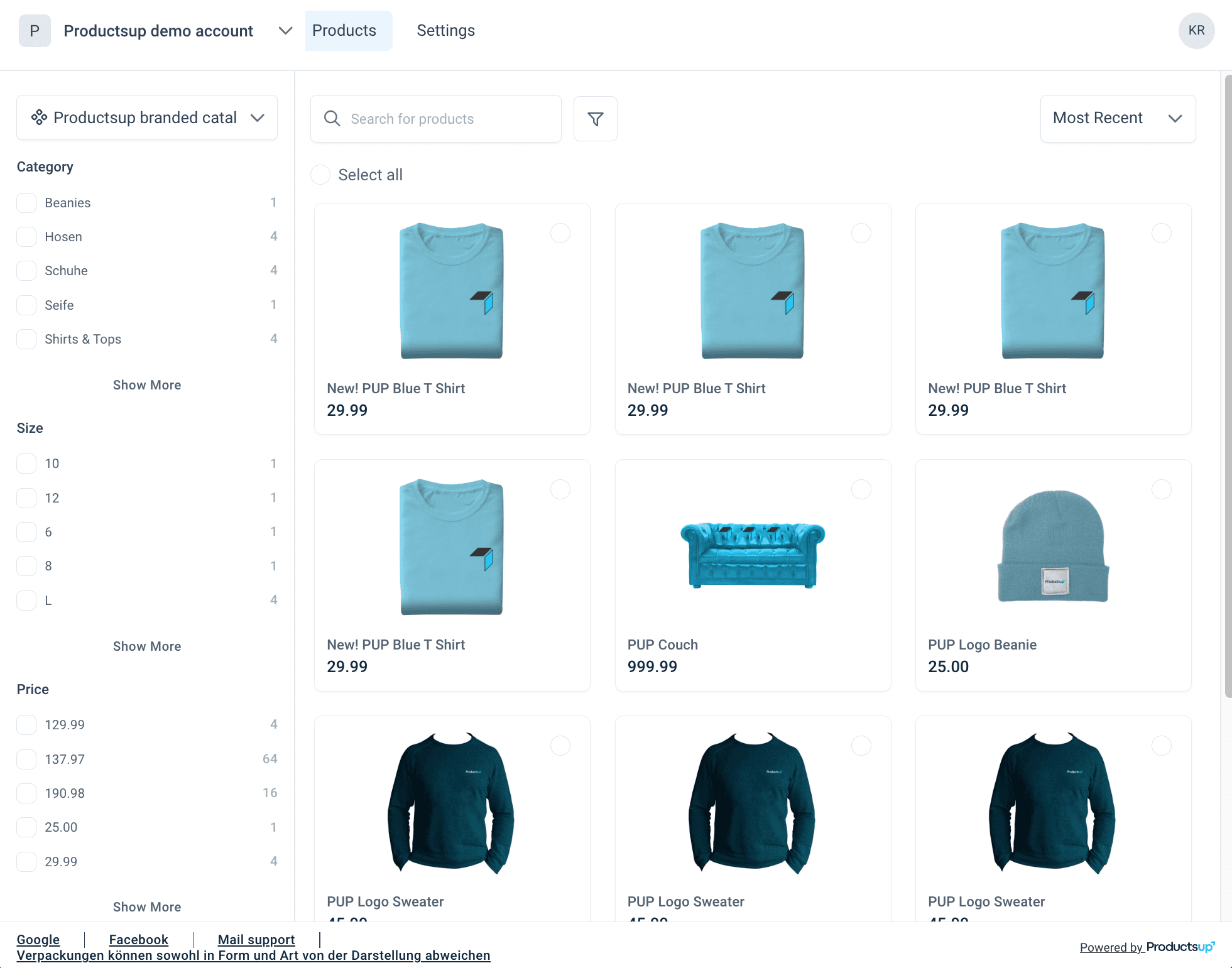 | 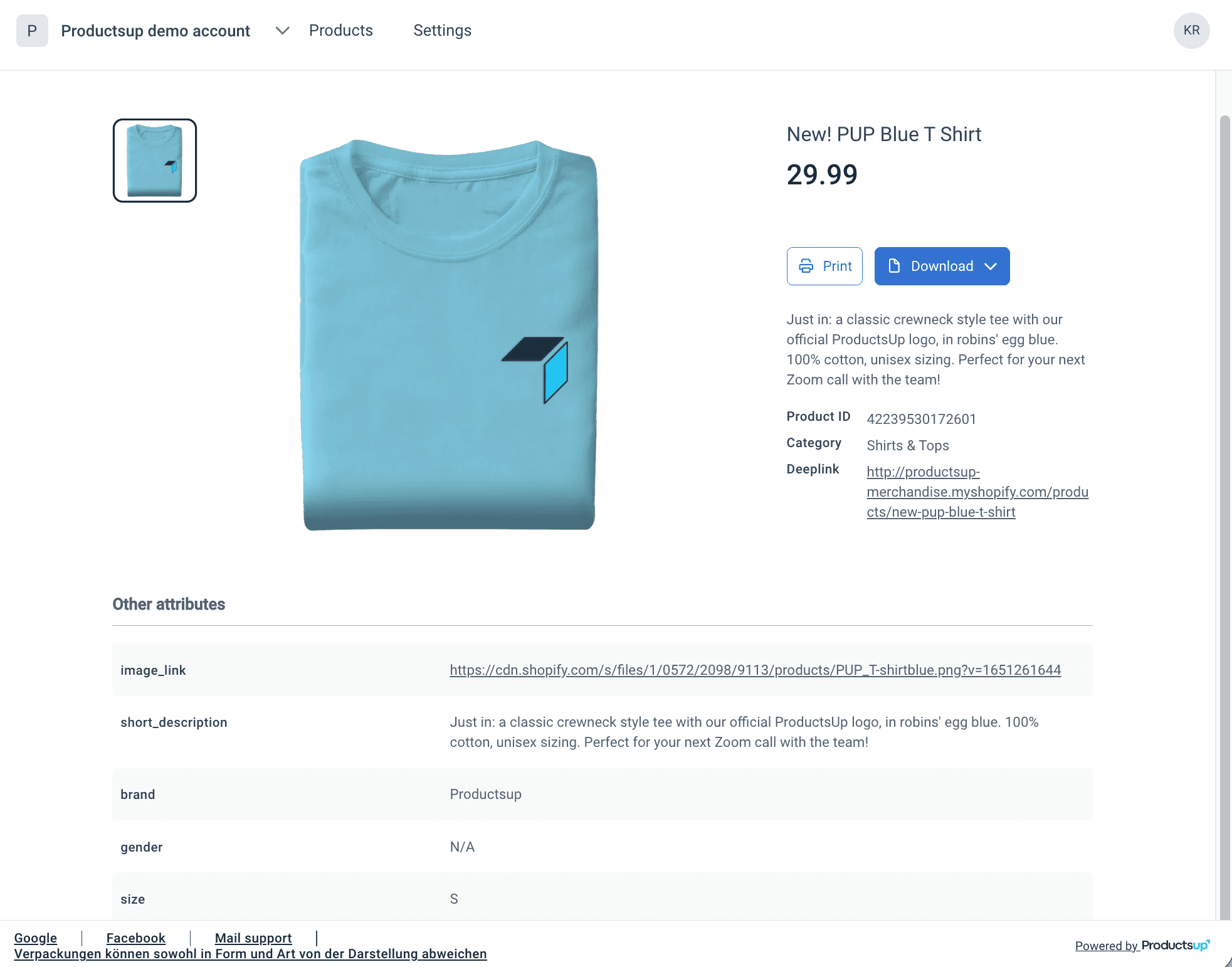 |
|---|
What you can do with Content Portal
Content Portal helps you share and work with product catalogs in the following ways:
- First steps with Content Portal: accounts, catalogs, roles, log in, Settings, and Products.
- Add and manage a catalog, including public and private access.
- Map catalog attributes for search, filters, assets, and product details.
Obtain Content Portal access
Content Portal is an add-on product and requires contract amendment. After it is activated for your organization, Admins can invite Users by email. Invited users receive an access link and see only the catalogs assigned to them.
To activate Content Portal, reach out to your Customer Success Manager or contact support@productsup.com.
How is this guide?